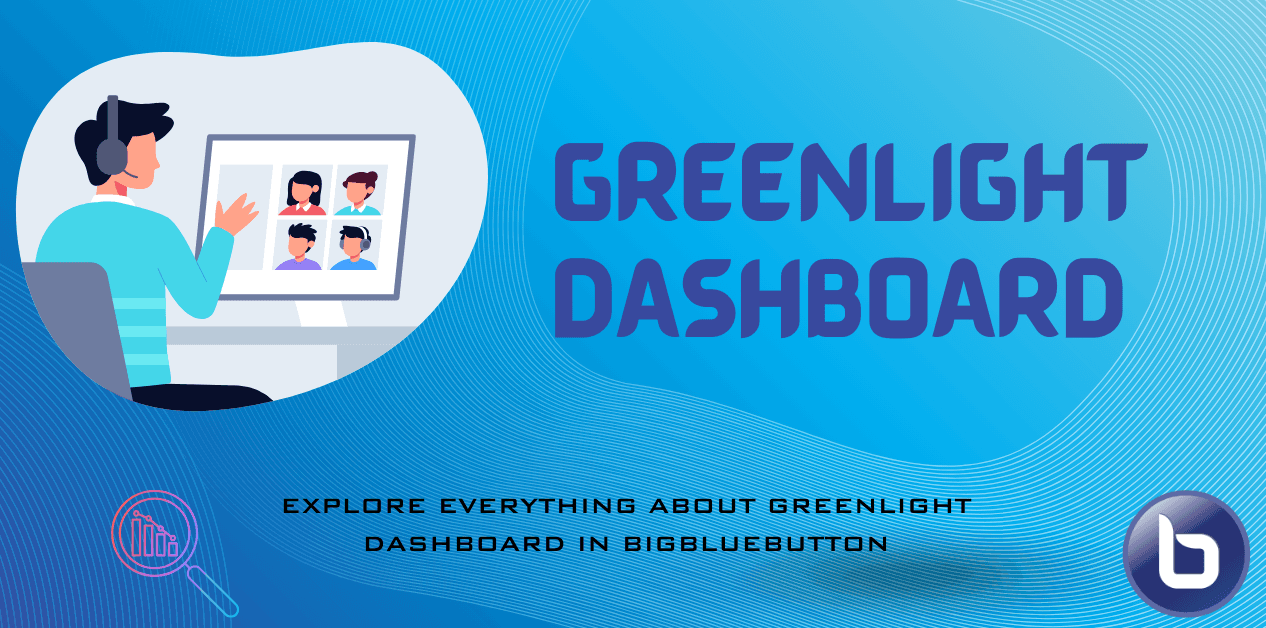
Greenlight Dashboard is a valuable tool for anyone who wants to use BigBlueButton as a standalone platform. It provides a user-friendly admin and user interface for managing users, meetings, rooms, and recordings, making it easier to run a standalone web conferencing, meeting, or classroom platform.
Greenlight Dashboard Is Not Built Into BigBlueButton
Greenlight is a separate application that acts as a frontend or management interface for BigBlueButton. It is not bundled by default.
BigBlueButton itself only offers a REST API that allows integration with external Learning Management Systems (LMS), Content Management Systems (CMS), custom web applications, and more.
Greenlight utilizes that same API and provides an easy-to-use interface on top of it.
Key facts about Greenlight:
- Can be installed on the same server alongside BigBlueButton.
- Developed and maintained by the same core BigBlueButton team.
- Optional when using BigBlueButton with an existing LMS or CMS such as Moodle, Canvas, or a WordPress plugin.
- Recommended when using BigBlueButton as a standalone solution without any external LMS or CMS integration.
Overview of Greenlight Dashboard Features
The latest version of Greenlight provides a significantly improved user experience with:
Simplified User Authentication
Built-in user authentication with support for Single Sign-On (SSO) via Google, Microsoft, or other LDAP providers.
User Management
A straightforward administrative interface to manage platform users, access levels, and roles.
Meeting Room Management
Users can create their own permanent meeting rooms with unique URLs for easy access, and manage their room settings and preferences.
Effortless Room Sharing
Rooms can be shared using a simple URL or a moderator access code, making it easy for participants to join or for other moderators to manage the room.
Recordings Management
- Users can view and share recordings of their own sessions.
- Administrators can view and manage all recordings across the platform.
Using Greenlight Alongside LMS Integrations
Greenlight and external LMS integrations are not mutually exclusive. You can use the same BigBlueButton API with Moodle, Canvas, or any other application alongside a Greenlight Dashboard on the same deployment.
With all managed hosting plans at BigBlueButton Host, Greenlight Dashboard is included. Clients can use their BigBlueButton infrastructure either through Greenlight or through any external LMS they have, using the BigBlueButton REST API.
Important Disclaimer
Greenlight Dashboard allows you to use BigBlueButton without an external LMS. It does not allow you to manage or administer the BigBlueButton server infrastructure itself.
For infrastructure management, server configuration, upgrades, and maintenance, a managed hosting provider or server admin access is required.
At BigBlueButton Host, we offer fully managed BigBlueButton hosting plans and professional services for installation, rebranding, customization, upgrades, and long-term maintenance for self-hosted infrastructure.
About BigBlueButton Host
Thanks for reading this post on What is the Greenlight Dashboard in BigBlueButton?. At BigBlueButton Host, we help teams, schools, and training organizations run dependable BigBlueButton infrastructure with practical guidance, clear deployment paths, and real-world operational support.
Related Articles
Deploy BigBlueButton Today
Get your own fully managed BigBlueButton server up and running in minutes. No technical expertise required.