As remote learning continues to grow, educators and training organizations are searching for the best virtual classroom platform. Many tools promise smooth online teaching, but only a few provide the right mix of affordability, customization, and classroom-focused engagement.
BigBlueButton stands out as one of the strongest choices because it is built specifically for teaching and training workflows, not generic meetings.
1. What Makes a Virtual Classroom Platform the Best?
Before selecting a platform, evaluate these core factors:
- Engagement tools: Breakout rooms, polls, whiteboards, and real-time collaboration.
- Scalability: The ability to support growing demand without a steep cost jump.
- Customization and branding: Full control over domain, logo, and interface identity.
- LMS compatibility: Reliable integrations with Moodle, Canvas, WordPress, and more.
- Cost efficiency: Pricing based on actual concurrency rather than per-user licenses.
BigBlueButton performs strongly across all these areas.

2. Engagement-First Teaching Features
BigBlueButton is designed to keep learners active during sessions:
- Breakout rooms for small-group collaboration.
- Live polls for quick feedback checks.
- Multi-user whiteboard for collective problem-solving.
- Participation visibility to monitor activity and support students.
These tools make sessions more interactive and help instructors recreate real classroom dynamics online.
3. Cost-Effective and Scalable by Design
Many commercial platforms charge per user and gate advanced features behind premium tiers. BigBlueButton is typically deployed with a capacity-based model, so costs are tied to concurrent live usage.
- Better budget control for schools and training teams.
- Easier scaling as enrollments or attendance increase.
- No hidden penalties for total registered users.
4. Seamless LMS, CMS, and API Integration
BigBlueButton integrates well with common learning ecosystems:
- Moodle
- Canvas
- WordPress
- Drupal
- Joomla
- Open edX
- Nextcloud
- Rocket.Chat
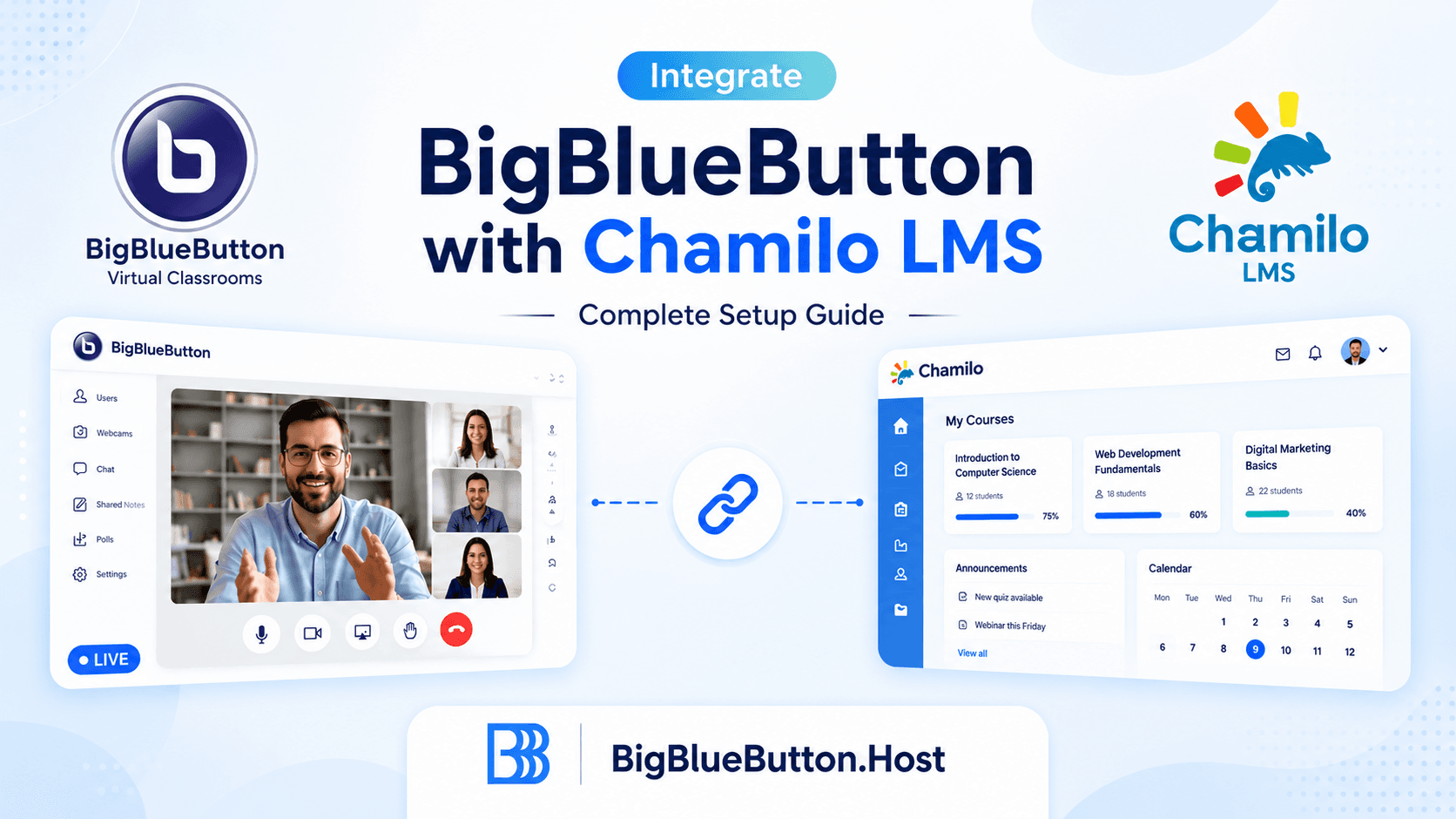
This keeps scheduling, joining, and recording workflows inside your existing platform, reducing friction for teachers and students.

5. Full Branding and White-Label Control
Unlike many mainstream tools, BigBlueButton can be fully branded to match your institution or business identity.
- Use your own domain.
- Apply your logo and visual style.
- Present a consistent professional experience to learners.
This is especially valuable for organizations that want trust, continuity, and a stronger product identity.

6. Strong Moderation and Security Controls
BigBlueButton includes moderator capabilities tailored for education:
- Lock chat, webcams, or participant interaction settings.
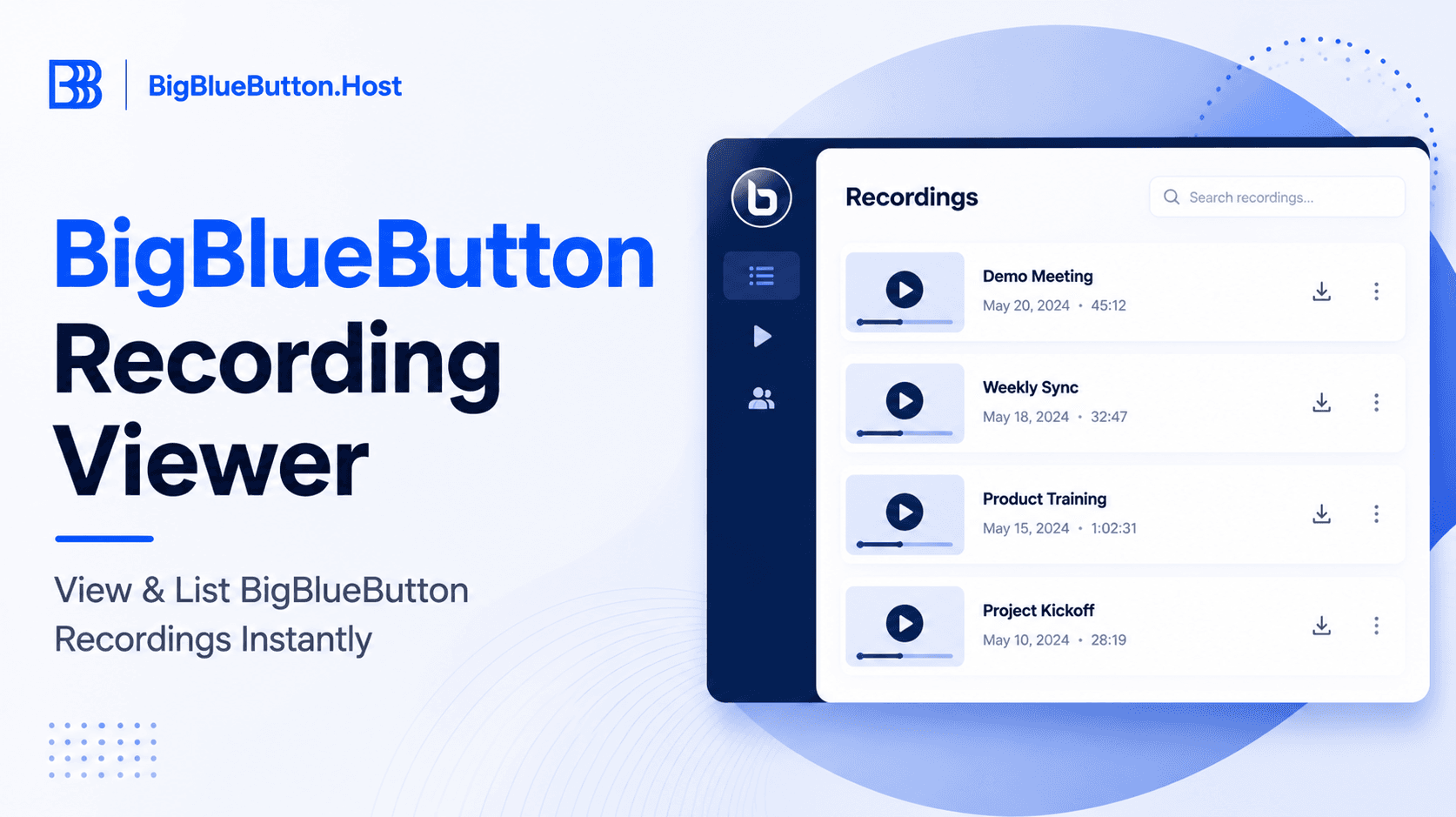
- Enable enforced recordings for complete session archives.
- Track attendance and participant activity for accountability.
These controls help instructors manage classes effectively and keep sessions secure.

7. Who Benefits Most?
BigBlueButton supports a wide range of use cases:
- Schools and colleges: Interactive lectures and attendance visibility.
- Corporate teams: Structured training and onboarding sessions.
- Tutors and coaches: Personalized live classes with collaboration tools.
- Nonprofits and NGOs: Affordable community learning events.
8. Institution and Organisation Feedback

T.I.P. has used BigBlueButton for hosting over 150,000 online classes. After evaluating alternatives, they concluded BigBlueButton empowered teachers to deliver a better virtual classroom experience.
Allen Go
Chief Technology Officer at Technological Institute of the Philippines

Feedback from in-house staff was highly positive, leading the team to build their new virtual classroom solution on BigBlueButton.
Laurent
Deputy Director of the Digital Base for the French Ministry of National Education

After relying on traditional conferencing tools, AVID looked for a platform with seamless eLearning integration and stronger ease of use, and selected BigBlueButton.
Marc Dembowski
AVID Senior Learning Designer
Leading Institutions Using BigBlueButton

Goldsmiths University of London

The University of the West of Scotland

Carleton University, CA

Nexford University

The University of Rhode Island

Lancaster University
Conclusion
If your goal is to run engaging, secure, and scalable online classes while retaining full control over branding and learner experience, BigBlueButton is a strong platform choice.
Ready to Upgrade Your Virtual Classroom?
At BigBlueButton Host, we provide managed hosting, installation, rebranding, customization, upgrades, and maintenance services to help you build a dependable online teaching environment.
About BigBlueButton Host
Thanks for reading this post on The Best Virtual Classroom Platform. At BigBlueButton Host, we help teams, schools, and training organizations run dependable BigBlueButton infrastructure with practical guidance, clear deployment paths, and real-world operational support.
Related Articles

Deploy BigBlueButton Today
Get your own fully managed BigBlueButton server up and running in minutes. No technical expertise required.